Home >Blog

My 9 Games Template Free: Make Your 9-Grid Game Card in 3 Minutes

GameGridPublished Updated

When people search for a "my 9 games template," they usually mean one of two things: a blank 3x3 grid they can fill in themselves, or a tool that does the layout for them. This site gives you the second one for free. Here is what that means in practice, and where the limits are.

What the free version includes

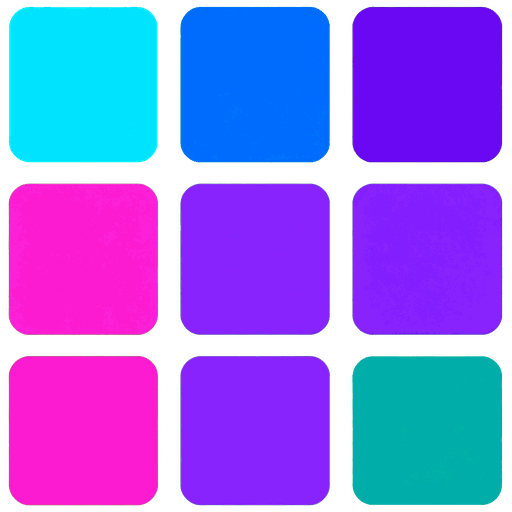
A 3x3 grid, already laid out

You do not draw the squares or measure gutters. The hard part is deciding the nine games, not the geometry.

Nine editable slots

Tap a tile to swap a game. Rearrange by dragging. There is no fixed order.

PNG download, no watermark

The file goes straight to your device. No account, no email, no "upgrade to unlock."

A share link

If you do not want to upload an image, you get a short link to paste into a forum or bio.

Why not just do it in Canva?

You can, and people do. But a 9-game card is a specific format, and building it in a slide deck means locking 18 alignments by hand, exporting at the right resolution, and remembering to keep the squares the same size. The template here is already the right size for social feeds, so the same three minutes in Canva becomes thirty seconds in the maker.

The three-step flow

  1. Open the grid. Land on the homepage and you are in. Nine empty tiles, no onboarding.
  2. Fill the nine. Work from your own list. If you are stuck, the top 9 list and indie picks are there for inspiration.
  3. Download or copy the link. PNG for feeds, link for bios. Both free.

Honest limits. The template is a grid. It is not a design suite, and it does not pull in box art automatically yet. You bring the nine titles, the grid handles the rest. If you want a fully polished poster with text overlays, you will still want a graphic editor.

Common questions

Is the template really free? Yes. No sign-up, no trial timer, no paywall on the download.

Do I need to install anything? No. It runs in the browser. Phones and desktops both work.

Can I reuse the template? Yes. Make as many cards as you like, each with a different theme.

Where do I start?Open the maker and lay out your first nine tiles.

Table of Contents

Information

  • Hits27
  • Published date2026/09/28
Feedback email